
This release focuses on improving global usability and system integration. It introduces timezone controls, AI-powered book recommendations, JWT single sign-on, and Greek language support.
Kotobee Author
Timezone Management
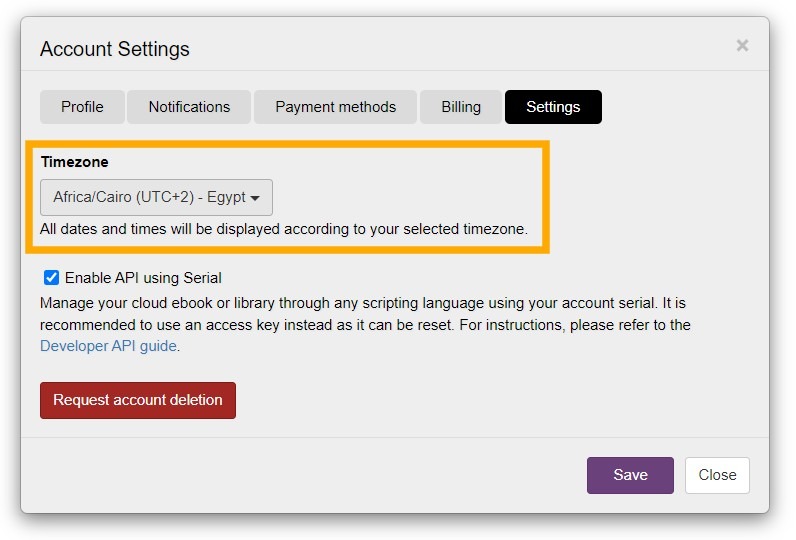
You can now set your timezone directly from the Account Settings tab in Kotobee Author. All displayed dates across your system will automatically reflect your selected timezone, including user signup dates, question submission timestamps, and other activity logs.
This ensures greater accuracy when reviewing learner data, especially for organizations operating across multiple regions. Schools, universities, and corporate training teams can now align reporting and analytics with their local time without manual adjustments.
Kotobee Author & Kotobee Reader
Greek Language Support
Greek has been added as a supported interface language in both Kotobee Author and Kotobee Reader.
Greek-speaking authors and educators can now create content in their native language, while learners can access their ebooks through a fully localized interface. This enhances usability and expands Kotobee’s accessibility in Greek-speaking markets.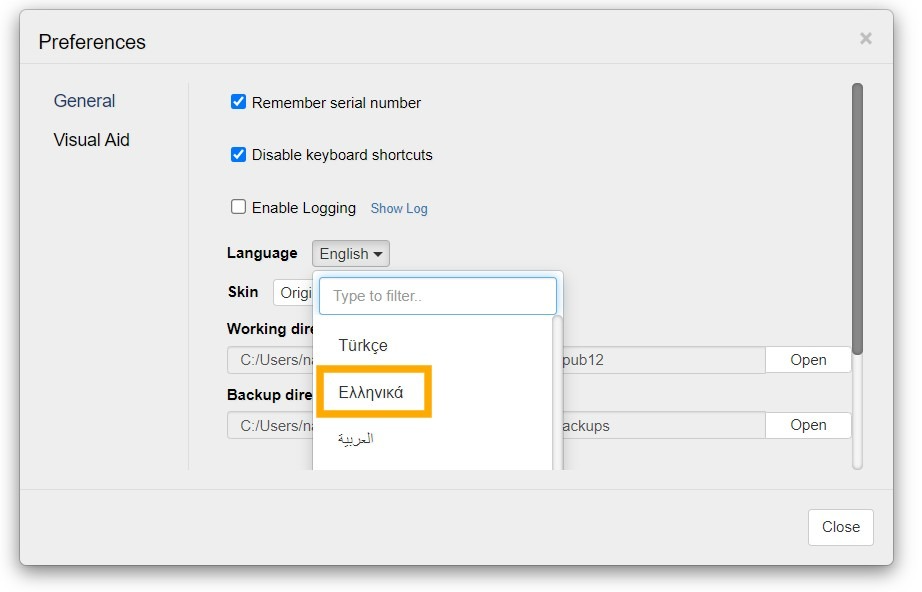
Kotobee Library & Cloud Ebooks
New Similar Books Section
Your library can now display a You may also like section inside the book information panel. This feature can be enabled or disabled through the Book Popup customization settings.
When enabled, this section shows up to 5 recommended books from your library that are related to the currently viewed title. These recommendations are generated using AI to identify meaningful connections between your books.
This is particularly valuable for:
Educational institutions that want to guide students toward related learning materials.
Training providers who want to promote advanced or complementary modules.
Publishers aiming to increase discoverability across large catalogs.

JWT Single Sign-On (SSO)
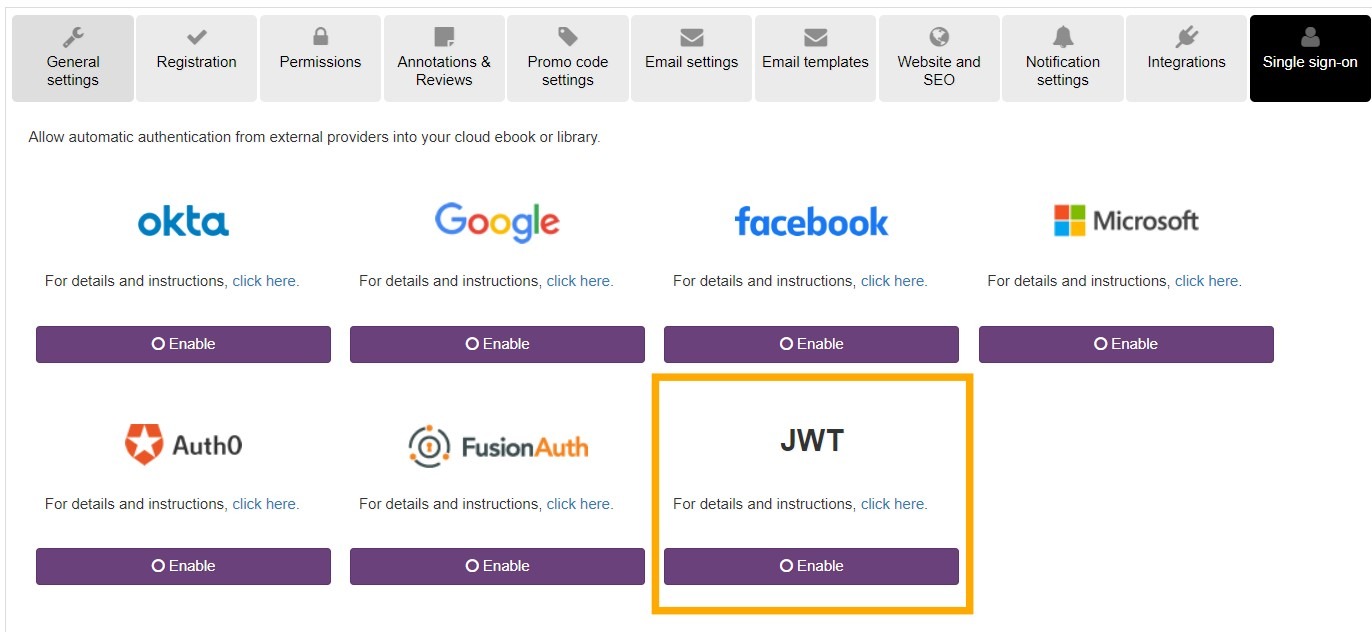
Kotobee now supports authentication using JSON Web Tokens (JWT). This allows users to access your library or cloud ebook through a single secure link.
JWT SSO is especially valuable for organizations that want Kotobee to function as part of a larger system while eliminating duplicate logins for users. For example, universities integrating ebooks within their LMS or corporate training departments using internal employee portals to deliver courses.
The login link follows this format:yourlibrary.kotobee.com?jwt=THE_TOKEN
When a user opens the link, they are automatically signed in without being prompted to enter their credentials. The JWT securely includes the user’s email address for authentication.
If the user does not already exist in your library or cloud ebook, an account is automatically created for them. For libraries, you can also define specific book permissions within the token, granting the user access to selected titles immediately upon account creation.
JWT tokens can be:
Generated dynamically for integration with external systems such as LMSs, portals, or websites
Created manually using the Kotobee JWT generator page at https://jwt.kotobee.com/
For full setup instructions, please refer to the support article:
https://support.kotobee.com/en/support/solutions/articles/8000126259-enable-single-sign-on-with-jwt
Cloud Ebooks
Hosted Ebooks Storage Usage Display
Your Hosted Ebooks page now shows the total storage used by all your hosted ebooks.
This makes it easier to monitor your usage and plan ahead. It is especially useful for organizations working with large libraries, media-rich content, or audiobooks, where file sizes can grow quickly. By monitoring storage usage directly from the dashboard, administrators can better anticipate capacity needs and avoid unexpected limitations.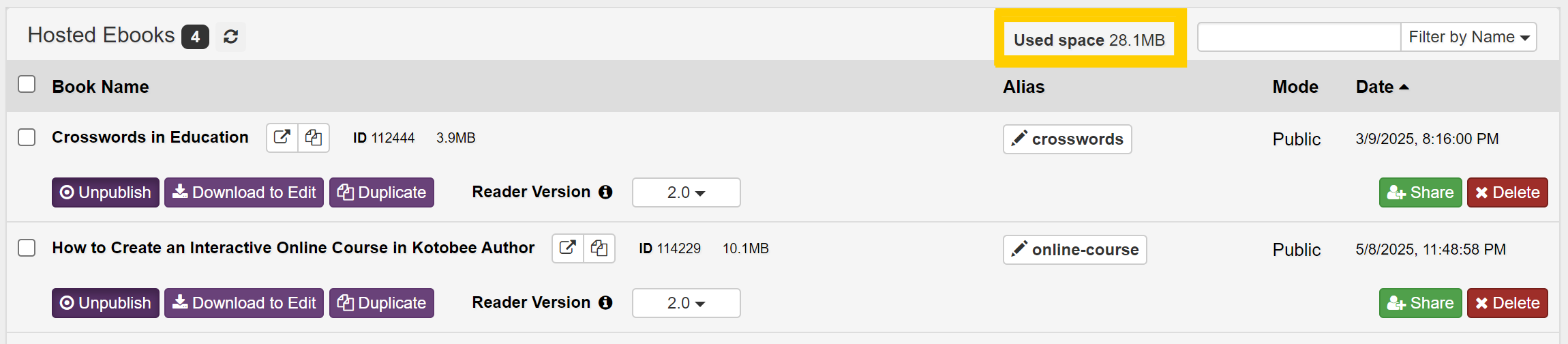
How to Get the Update
To access these new features, make sure to download the latest version of Kotobee Author.
Do you have questions about any of the new features? Book a free one-on-one session with a Kotobee expert to help you explore all the new features.